![VSystems_Decked_Grey_4col-1.png]](https://kb.vsystems.com/hs-fs/hubfs/VSystems_Decked_Grey_4col-1.png?height=40&name=VSystems_Decked_Grey_4col-1.png)
- Your Organization Admin will receive a Veeam Data Cloud email entitled Activate your Veeam Data Cloud account. If you don't see it, check your Junk or Spam folders. If you still don't see it, please contact Virtual Systems to resend it.
- In the Activate your Veeam Data Cloud account email, click Log in.
- Choose whether to sign into Veeam Data Cloud a Microsoft or Veeam Account.
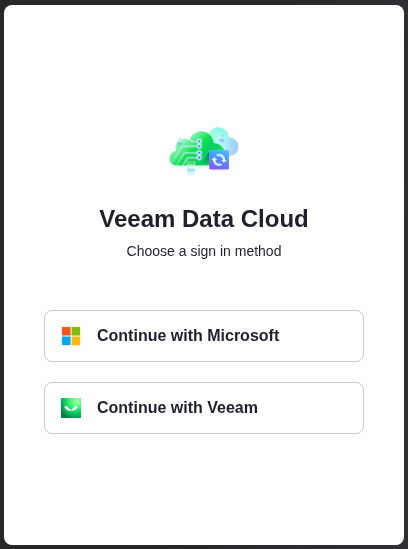
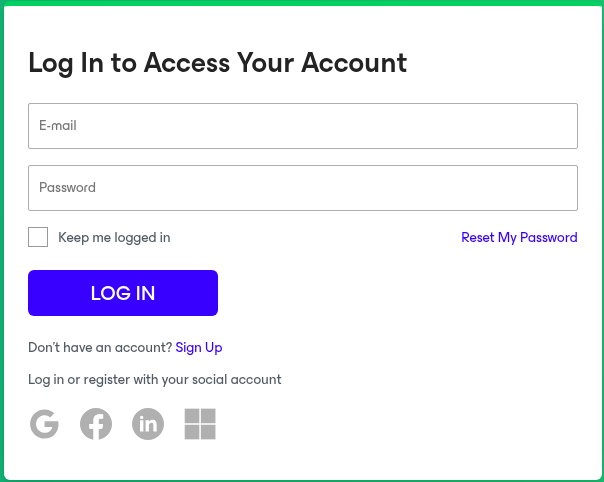
- Sign in with the method specified.
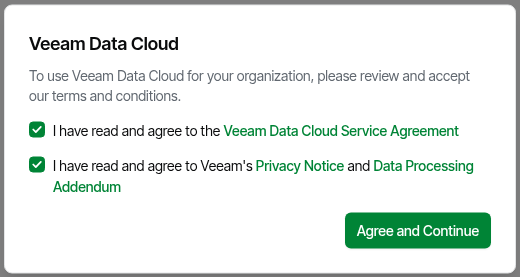
- Read the Veeam Data Cloud Service Agreement, Privacy Notice, and Data Processing Addendum. If you agree, click Agree and Continue.
- The Veeam Data Cloud Overview page should load showing all VDC products assigned.